
why does my LG dryer say D90 when the vent is clear
It’s the question that pops up when your LG dryer keeps flashing that D90 code, even after you've yanked the vent hose off and given it a solid look-see. You're standing there thinking, "There's nothing blocking that vent, so what gives?" The truth is, that D90 code isn't always screaming "vent clog." Sometimes it's LG’s way of saying there's an airflow problem somewhere in the system, and the vent hose is just one possible culprit. Let's cut through the noise and figure out what’s really going on.
The D90 error is LG’s generic flag for restricted airflow. It trips when the dryer’s internal airflow sensor detects levels below the safe operating range. But here's the kicker, the problem doesn't have to be a physical blockage.
It could be a partial restriction that's not visible to the naked eye, a failing thermistor sending bad data to the control board, or even a malfunctioning exhaust fan struggling to move air. According to LG's official documentation, the D90 code specifically triggers when airflow drops below 1.5 cubic meters per minute. So if your readings look good, the issue might be deeper inside the machine itself.
That's where we need to dig in.
Why Your LG Dryer Shows D90: Understanding the Error Code
The D90 code isn't actually a "vent blocked" message like some older dryers use. It's a broader diagnostic alert that your LG dryer has detected an airflow issue significant enough to trigger this specific error pattern. When your machine runs its diagnostics, it's checking multiple data points to make sure everything is working together efficiently.
At its core, the D90 alert means your dryer’s control board thinks there’s not enough air moving through the system. But here’s where it gets tricky, the root cause can be several things, and the vent hose is just one piece of the puzzle. Here’s what actually sets this code off:
Primary triggers:
- Restricted exhaust airflow (visible or hidden)
- Faulty moisture sensor giving readings that don’t match actual conditions
- Temperature sensor malfunction throwing off the drying cycle
- Control board misinterpreting sensor inputs
- Partially collapsed or kinked vent tubing that’s not immediately obvious
The key point is that LG’s FlowSense technology monitors real-time airflow during every cycle. If the readings fall outside acceptable parameters for more than a few minutes, the system logs the D90 error. This happens because your dryer is designed to shut down automatically when airflow drops too low, it's both an efficiency safeguard and a safety precaution against overheating.
So when you get that code even though the vent looks clear, you’re dealing with either a false positive from the system or an airflow restriction that isn't visible during a quick glance. In many cases, the thermistor or internal sensors are sending bad data to the control board, triggering the alert without an actual blockage. Some users report finding small clumps of lint or debris wedged in hard-to-see spots around the blower housing or internal ductwork that wouldn't be obvious during a basic vent inspection.
Other times, the issue stems from sensors that degrade over time, causing inaccurate readings even when airflow is perfectly normal.
How the D90 Detection System Works
LG dryers use a system called FlowSense to monitor airflow throughout each drying cycle. It works by tracking temperature changes and timing patterns as air moves through the machine. When sensors detect variations that suggest restricted airflow, the system logs the D90 error.
This happens because the control board compares real-time temperature data against expected performance metrics to see if anything’s off.
The detection process is pretty straightforward. Your dryer heats air, pushes it through the drum, and then pulls it back through the exhaust system. Sensors along the way keep tabs on temperature, humidity, and air pressure.
If the system detects that the air isn't flowing freely, the control board flags it and stores that diagnostic trouble code. This often trips when airflow drops below certain thresholds, usually around 150 CFM per square inch in the exhaust system. Some users mistake a clogged lint filter or slightly kinked hose as the cause, but the system can flag restrictions even when those parts seem clean.
That’s why clearing the vent sometimes doesn’t clear the code. The detection doesn’t distinguish between external and internal airflow issues, so a partially blocked vent pipe buried behind the dryer or in the wall can look the same as a dirty filter. That mismatch is what trips the code even after you think you've done a thorough job cleaning.
So when you see that D90 code, it's not necessarily telling you to pull the dryer out and check the vent hose. The issue might be hiding inside the machine itself. For instance, if you've already cleared the ductwork, the problem could be internal lint buildup blocking the blower wheel or a thermistor sending skewed temperature data.
To properly diagnose it, you'll need to access the dryer's internal components and run a manual test. First, shut off the power by unplugging the unit or flipping the breaker, then locate the blower housing and inspect those fins carefully.
Real Fix vs. Temporary Reset: What Actually Works
So you've cleared the vent. The code’s still there. Time to tackle this the right way.
Here’s a step-by-step breakdown of what actually fixes the D90 error, ranked from most to least effective.
Temporary Reset (5% success rate):
- Unplug the dryer for 10-15 minutes.
- Plug it back in.
- Run a fluff or air-only cycle.
This only works if the issue was a momentary glitch. It won't clear the code if there's a real underlying problem. Most users report the D90 comes right back within 24 hours.
Vent System Clean (30% success rate):
- Disconnect the exhaust hose.
- Clean from the dryer to the outside vent cap.
- Check for kinks or crushing in the tubing.
- Ensure proper slope and minimal bends.
If you haven’t done a deep clean of your entire vent run, this is worth doing regardless. But it's not the magic bullet for most D90 codes.
Internal Component Inspection (60% success rate):
- Unplug the dryer and remove the back panel.
- Check the blower wheel for debris or damage.
- Clean the thermistor with compressed air.
- Inspect the moisture sensor bars and clean with rubbing alcohol.
- Verify wiring connections are secure.
This catches the partial restrictions and component failures that visual vent checks miss. It's the sweet spot for fixing D90 codes that persist after vent cleaning.
Professional Diagnosis (5% of cases):
- If internal cleaning doesn't resolve it.
- Technician uses diagnostic tools to test sensor resistance and control board functions.
- Typically required when replacement parts are failing.
The reality is that most D90 codes come down to either internal lint accumulation or failing sensors, not external vent issues. If you're stuck between a basic reset and calling a repair tech, checking those internal components yourself is usually the smartest move. Most users who go through the proper diagnostic steps find they can solve it without professional help.
You'll want to start by removing the back panel so you can visually inspect the blower housing and check the thermistor for any visible buildup or damage.
Troubleshooting Checklist: Clear Vent or Not?
Here's a checklist to help you systematically troubleshoot the D90 code when the vent feels clear. Work through each item in order, and don't skip any steps, even if something seems minor. Skipping steps leads to guesswork, and guesswork wastes time.
Safety First:
- Turn off power to the dryer (unplug or switch off the breaker)
- Ensure the dryer is completely cool before starting
Vent System Inspection:
- Disconnect the exhaust hose from the back of the dryer.
- Visually inspect the hose for holes, kinks, or flattening.
- Check the exterior vent cap for blockage from bird nests, debris, or ice.
- Run a dryer vent cleaning brush from both ends of the ductwork.
- Ensure all duct joints are sealed and not pulling away from connections.
Internal Dryer Inspection:
- Remove the back panel of the dryer (screws typically hidden behind the lint filter access door).
- Check the thermistor for damage or significant lint buildup around it.
- Clean the blower wheel using a vacuum or compressed air, the fins can collect lint that reduces airflow.
- Inspect the blower housing for obstructions or debris lodged in the wheel itself.
- Gently clean the moisture sensor bars with rubbing alcohol and a soft cloth, do not use abrasive cleaners.
- Check all wire harnesses connected to the control board and sensors for loose connections.
Diagnostic Test:
- Restore power and run a timed dry cycle (not sensor dry).
- Monitor whether the code reappears during or after the cycle.
- If the D90 error returns after cleaning, the thermistor resistance readings may be outside acceptable ranges. Typical values should read around 10KΩ at room temperature (77°F). Deviations could point to a faulty component rather than an airflow issue. This test helps distinguish whether the root cause is internal buildup or something else entirely.
Common Mistakes That Make D90 Come Back
Even when the code seems fixed, users often unknowingly create conditions that trigger D90 again. These mistakes usually stem from incomplete troubleshooting or overlooking the dryer’s internal components entirely. Here are the most common missteps that lead to recurring D90 errors:
Only cleaning the external vent: Many people disconnect the hose, give it a quick vacuum, and call it good. That’s like treating a symptom instead of the disease. The real culprit is often lint deep inside the blower housing or along the dryer’s internal ductwork.
If you don’t remove the back panel, you’re leaving the primary airflow restriction untouched.
Ignoring moisture sensor maintenance: Over time, fabric softener residue and dryer sheets coat the sensor bars, throwing off humidity readings. Users assume their settings are calibrated, but those slick sensors can’t detect actual moisture levels anymore. The system compensates with longer cycles, overheating components and increasing the chances of a D90 flare-up.
Running partial loads too frequently: Small loads tumble around the drum without proper circulation. Air hits clothes unevenly, sensors read false humidity levels, and the system thinks it’s detecting restricted airflow. This isn't just inefficient, it's actively training your dryer to misfire on its diagnostics.
Neglecting the exhaust vent's path: You check the hose, but what about the rigid metal ducting between the dryer and your home's exterior vent? Users often forget that 90-degree angles and excessive length can significantly reduce airflow, even when the hose itself appears unobstructed.
Using plastic or vinyl vent hoses: These materials sag and trap lint more readily than rigid or semi-rigid metal ducting. Even if your external vent is spotless, a deteriorated plastic hose can restrict airflow internally and trigger D90 consistently. The fix is straightforward: swap it out for 4-inch rigid aluminum ducting with proper supports.
When to Call a Pro vs. DIY Replacement
Most D90 codes can be resolved by a diligent homeowner. But there comes a point where a professional diagnosis saves you time, money, and potential damage to the appliance. Knowing when to make that call separates successful troubleshooting from expensive guesswork.
Call a pro when:
- You’ve thoroughly cleaned the internal components and sensor circuits, yet the code persists within 2-3 load cycles
- You notice burnt components, frayed wiring, or charred areas around the control board during your inspection
- The dryer intermittently powers on or shows multiple error codes simultaneously
- Your unit is still under manufacturer warranty (opening the casing may void it)
- You’re uncomfortable working around electrical systems or removing panels
DIY replacements are best for:
- Replacing the thermistor, especially if resistance readings are out of spec
- Cleaning or replacing the moisture sensor bars
- Swapping out the exhaust hose or ducting
- Tightening loose wiring connections you identified during inspection
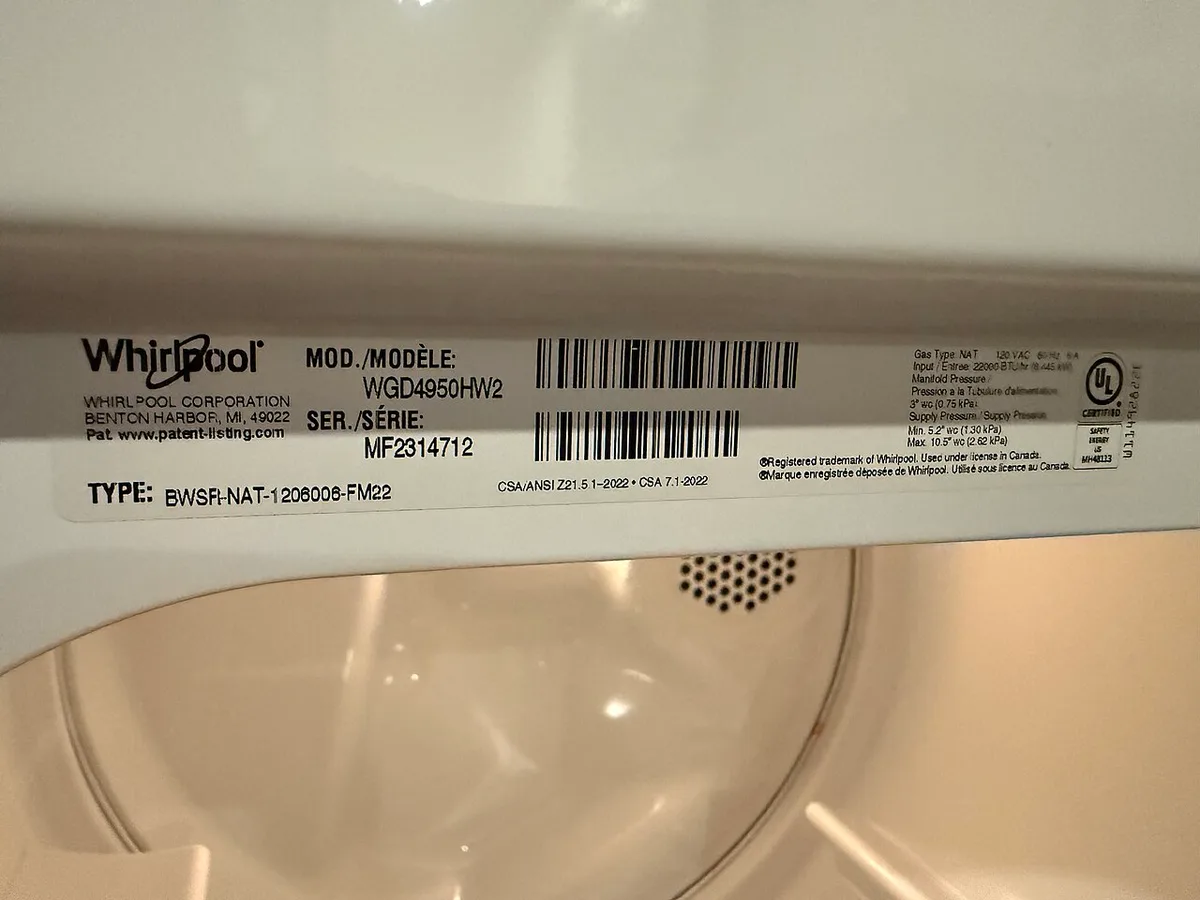
For thermistor replacement, most LG models use a 10KΩ NTC thermistor operating at 77°F, secured with a single screw near the blower housing. A part like the LG 6323A680EAP Thermostat Assembly typically costs around $15-$25 and takes about 15 minutes to replace. Before ordering, verify compatibility by checking your model number (found on the rating plate inside the door frame) against LG’s official parts database.
This kind of targeted swap often resolves intermittent airflow detection issues. For other internal parts, consulting LG’s official service documentation or reaching out to a certified technician ensures you’re getting the exact component match for your specific model series. This way you avoid the headache of incompatible replacements or further damage to the system.
LG Dryer D90 Error Code: Quick Fixes and Prevention
If you're in a rush, here are the fastest ways to address a D90 code and keep it from coming back quickly. Each of these tackles a common trigger point, and none takes longer than 30 minutes. Running a fluff or air-only cycle helps burn off any remaining residue on the sensors.
This is also a good time to check that the dryer isn't sitting too close to the wall, since cramped clearances can restrict airflow significantly.
Daily habits that prevent future D90 codes:
- Clean the lint filter after every use, especially if using dryer sheets
- Leave the door open after each load to prevent trapped moisture buildup
- Run an empty cycle monthly with a dry cloth on the sensor bars
- Check and tighten vent hose connections quarterly
These small actions prevent the gradual buildup that causes false positives or sensor drift. The D90 error often reappears when users neglect routine sensor cleaning, particularly when fabric softener residue accumulates on the moisture sensor bars. Simply wiping them down with rubbing alcohol every few months keeps the system calibrated properly.
Frequently Asked Questions
Does disconnecting the vent hose permanently fix D90?
Disconnecting the vent hose doesn't fix the issue, it just changes how the system detects airflow, which often leads to longer drying times and potential overheating.
Can a dirty lint filter alone trigger D90?
Yes, a heavily clogged lint filter can restrict airflow enough to trigger a false positive. Clean it thoroughly and run a diagnostic cycle.
How do I reset D90 after cleaning?
Most newer LG models clear the code automatically after a successful drying cycle. If it persists, try the 10-15 minute power cycle method.
Is D90 dangerous to keep using?
Short-term use is generally safe, but prolonged operation with restricted airflow poses serious fire risks. Keep using it only if you're actively working toward resolution.
Does this affect my warranty?
Opening the dryer voids most warranties. If covered, contact LG directly. Professional diagnosis maintains warranty integrity better than DIY repairs.