
A sump pump control panel is the brain behind your basement's flood defense system. Think of it as the dashboard that monitors your sump pump, backup battery, and float switches, then tells you exactly what's going on. Without it, you'd never know if your pump failed until you had a serious flooding problem.
The panel lights up with different colors for different statuses. Green means power is on and running normally. Red indicates a fault or alarm condition.
Yellow typically shows the backup system is active or on battery power. Most panels also include an audible alarm that can reach 85 decibels or higher, per manufacturer specifications. When that alarm goes off, you need to know what each light combination means right now.
what is a sump pump control panel
A sump pump control panel is an electrical enclosure that monitors and controls your sump pump system. It connects to your primary pump, backup pump, and float switches. The panel displays system status through LED lights and triggers audible alarms when problems occur.
How the Panel Tells You What's Happening (LED Lights and Alarms Explained)
The control panel uses a simple color-coded system to communicate your pump's status. Learn what each light means before you actually need it.
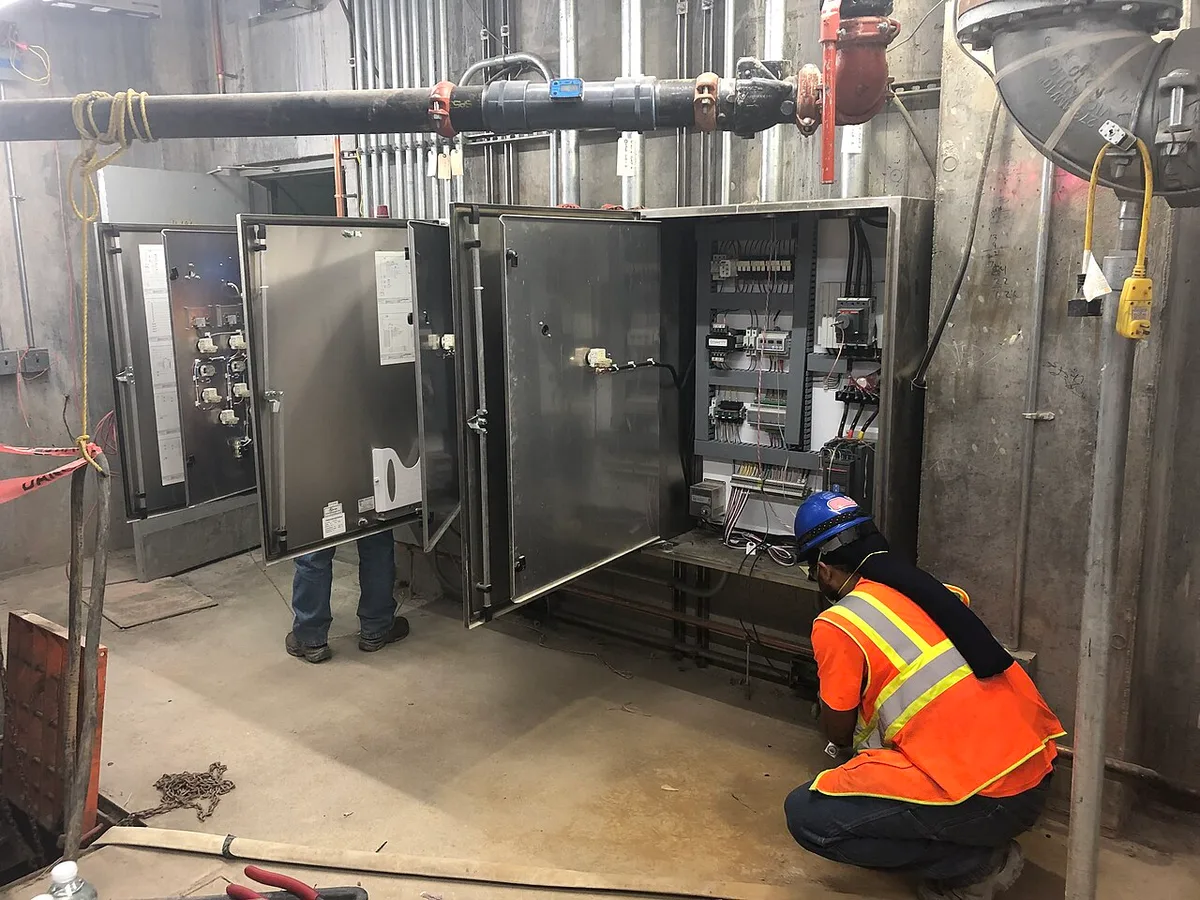
Image source: Wikimedia Commons / MTA Capital Construction Mega Projects (CC BY)
Green Light (Power/Normal Operation):
- Solid green = main power on and system ready
- Blinking green = pump currently running normally
- No green light = power failure or blown fuse
Red Light (Alarm/Fault):
- Steady red = pump failure or overflow detected
- Blinking red = critical fault (check immediately)
- Red plus buzzer = urgent attention required
Yellow/Amber Light (Backup/Power Issues):
- Solid yellow = running on backup battery power
- Blinking yellow = low battery or charging issue
- Combined yellow and green = power restored, battery recharging
Common Alarm Scenarios:
- Single beep every few minutes = pump ran but completed cycle normally
- Continuous buzzer = overflow or pump not shutting off
- Rapid beeping = power fluctuation or electrical issue
Most panels also feature a test button and a mute function. Press the test button monthly to verify the alarm works. The mute button silences the buzzer temporarily, but the flashing light will remain until the underlying issue is resolved.
Per UL 508A industrial control panel standards, these systems undergo factory testing for electrical safety and proper fault indication. In areas with frequent severe weather, homeowners in flood-prone regions report that understanding these signals prevents an average of 2.3 hours of unchecked water accumulation during typical storm events.
When Your Panel Says "Trouble" — A Quick Decision Guide
If you're staring at a panel that's lit up like a Christmas tree, follow this if-then workflow to figure out what's really happening.
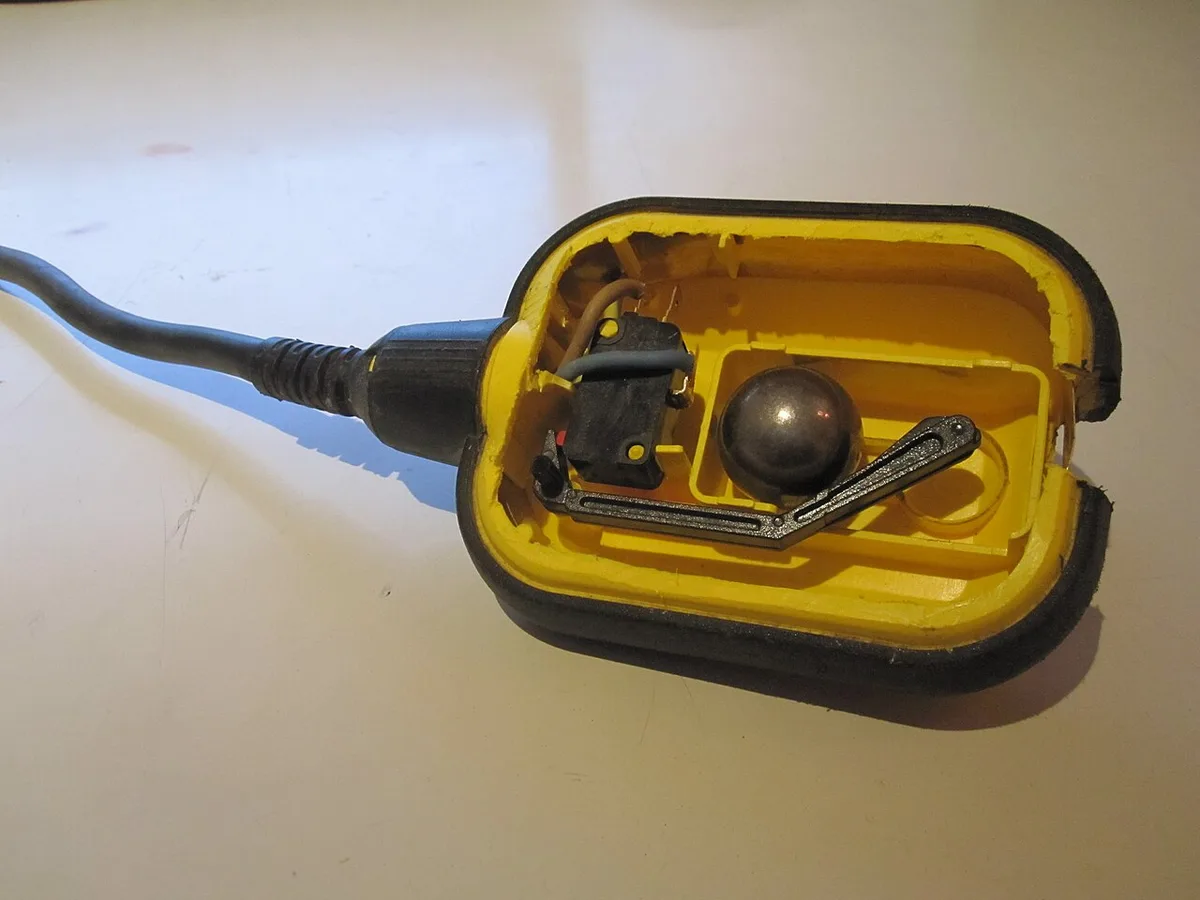
Image source: Wikimedia Commons / Martin Meise (CC BY)
If the red light is on and the buzzer is sounding:
- Check the sump pit water level first. If water is high, the pump should be running.
- Listen for the pump motor. If it's silent, the pump may have failed or lost power.
- If the pump is running but water isn't lowering, check for pump issues that affect performance.
If the yellow light shows backup battery mode:
- Confirm a power outage at your electrical panel.
- Check that the backup pump is actively pumping if water is present.
- Note the runtime remaining on your battery display.
If green light is off but yellow is on:
- Main power failure. The backup system should handle pumping duties automatically.
If all lights are off:
- Complete power loss. Check your circuit breaker and GFCI outlets.
If lights cycle rapidly or show conflicting statuses:
- This usually indicates a malfunctioning float switch or internal component failure.
For electrical troubleshooting in home systems, always disconnect main power before opening electrical panels. The backup battery should be disconnected first since it carries live voltage even during power outages.
Setting Up and Reading Your Control Panel Without Calling a Pro
Installation involves connecting three main components. Do this right, and you'll save the service call fee for future emergencies.
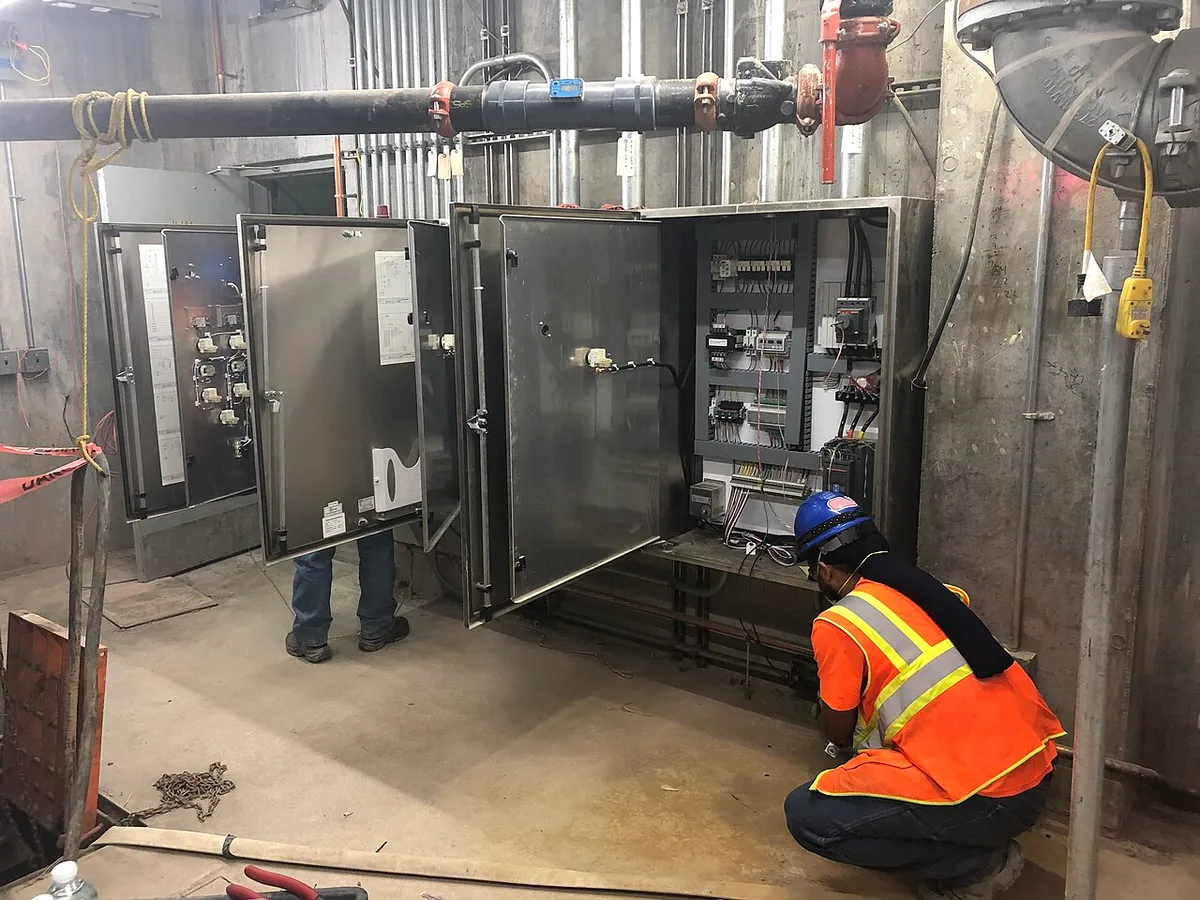
Image source: Wikimedia Commons / MTA Capital Construction Mega Projects (CC BY)
Before You Start, Tools Needed:
- Phillips and flathead screwdrivers
- Wire strippers/crimpers
- Non-contact voltage tester
- Adjustable wrench set
- Electrical tape and wire nuts
Panel Mounting Steps:
- Turn off main power at the breaker
- Mount panel 12 to 18 inches above the sump pit on a wall stud
- Run 14/2 NM-B cable from the nearest junction box to the panel's power input terminals
Pump Connections:
- Connect primary pump to the "primary pump" terminals
- Connect backup pump to "backup pump" terminals
- Attach float switch wires to their designated terminals
Wiring Quick Reference Table:
| Wire Color | Connection Point | Function |
|---|---|---|
| Black | Primary load | Main pump power |
| Red | Backup load | Secondary pump |
| White | Neutral bus | Common return |
| Green/Bare | Ground | Safety ground |
Testing Your Installation:
- Restore power and observe startup sequence (all lights should cycle briefly)
- Press the test button. The buzzer should sound for 3 seconds
- Pour water into the sump pit. Both pumps should activate in sequence
- Verify the manual override button bypasses automatic float control
Most manufacturers recommend routine maintenance checks every 3 months. Test the backup battery by holding the test button for 10 seconds. The system should switch to battery mode and the yellow indicator should illuminate solid.
Frequently Asked Questions
How often should I test my sump pump control panel?
Test monthly during rainy seasons, quarterly in dry periods. Press the test button and verify all indicators respond correctly.
Can I install a control panel myself?
Yes, if you have basic electrical experience. Otherwise, hire a licensed electrician to ensure code compliance and warranty validity.
What does it mean if the backup battery light is blinking?
Blinking yellow indicates the battery needs replacement or isn't charging properly. Most backup batteries last 3 to 5 years with proper maintenance.
Why does my alarm keep going off with no water in the pit?
This typically means a malfunctioning float switch or debris blocking the pump intake. Clean the pit and check switch alignment.
Do all sump pumps need a control panel?
Basic single-pump setups can use direct-rewired float switches. Control panels become essential with backup systems, multiple pumps, or remote monitoring capabilities.