
Knowing how to clean a sump pump float switch correctly prevents basement flooding and extends your pump’s life. Most failures happen because sludge or mineral scale stops the mechanism from moving freely.
Manufacturer specifications indicate most mechanical switches last three to five years with proper quarterly maintenance. Per NFPA 70 safety standards, you must always isolate power before touching any wet electrical components. Let’s identify your specific switch type so you can choose the right cleaning method safely.
How to Clean a Sump Pump Float Switch
Disconnect power at the breaker first. Identify your specific float switch type. Remove debris with a soft nylon brush.
Apply white vinegar to dissolve mineral deposits. Rinse thoroughly and test movement manually. Reconnect power only after verifying full range of motion.
Never force stuck components or use metal tools.
Identify Your Float Switch Type Before Cleaning
Your cleaning approach depends entirely on which mechanism controls your pump. Using the wrong method damages seals or breaks pivot points permanently. Look inside your sump pit to determine what you have before grabbing tools.
Tethered vs Vertical vs Electronic: Why the Method Changes
Tethered floats hang from a cord and swing freely as water rises. These need pivot point descaling and cord inspection for fraying. Vertical rod switches slide up and down a fixed shaft inside a housing.
They require careful scale removal without bending the internal reed switch.
Electronic sensors have no moving parts and detect water through conductivity. Cleaning these involves wiping probe surfaces gently rather than scrubbing mechanisms. If an electronic sensor fails testing, replacement is usually necessary since internal circuits cannot be repaired.
Misidentifying these leads to wasted effort or accidental damage during routine upkeep.
Safety First: Power Isolation and Voltage Testing
Never assume unplugging the pump is enough protection. GFCI outlets can fail silently while still passing current through water. Always shut off the dedicated circuit breaker for your sump system first.
Use a non-contact voltage tester on the outlet and pump cord before touching anything. Verify zero voltage reading twice to confirm isolation. This step takes thirty seconds but prevents serious electrical injury in wet environments.
Treat every wire as live until proven otherwise with proper testing equipment.
Step-by-Step Cleaning Workflow by Switch Type
Each switch design requires specific techniques to avoid damage while removing buildup. Follow the workflow matching your identified type exactly. Rushing or improvising steps causes costly failures.
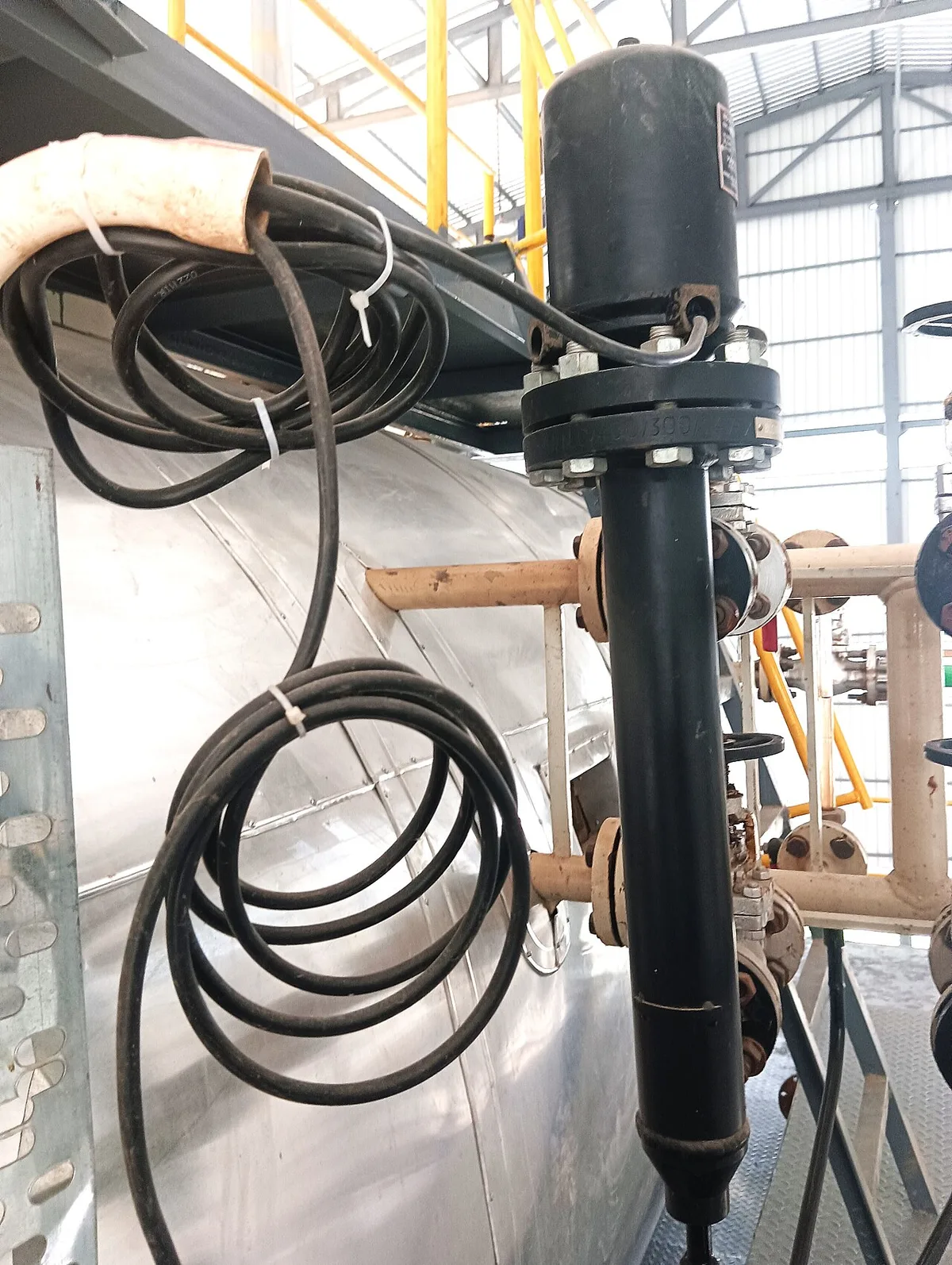
Image source: Wikimedia Commons / Palagiri
Cleaning Tethered Floats: Descaling Pivots and Checking Cords
Remove the pump assembly from the pit after confirming power is off. Inspect the tether cord along its entire length for cracks or exposed wires. Replace immediately if you find any damage since compromised cords create shock hazards.
Soak the pivot hinge area in white vinegar for fifteen minutes to loosen calcium deposits. Scrub gently with a nylon brush to remove remaining slime or grease. Avoid pulling or twisting the arm beyond its natural travel arc.
Test smooth movement through the full activation range before reinstalling.
Cleaning Vertical Rod Switches: Removing Scale Without Breaking Seals
Vertical switches accumulate hard water scale directly on the guide rod. Spray descaler liberally on exposed metal surfaces and let it dwell twenty minutes. Wipe downward with a soft cloth following the rod’s axis only.
Never scrub sideways or apply lateral pressure to the shaft. Side loads bend internal components and misalign sealed reed switches permanently. Check that the float collar slides freely from bottom stop to top activation point.
If binding persists after thorough cleaning, the internal mechanism likely needs professional service or complete unit replacement.
Handling Electronic Sensors: When to Clean vs Replace
Solid-state sensors fail when biofilm coats the detection probes. Wipe probe tips with isopropyl alcohol on a lint-free cloth. Do not use abrasives or acidic cleaners on sensitive electronic surfaces.
Retest operation after cleaning by slowly adding water to the basin. If the pump still fails to activate despite clean probes, the internal circuit board has failed. Unlike mechanical switches, electronic units cannot be disassembled or repaired.
Budget twenty to fifty dollars for a direct replacement compatible with your existing control panel. Understanding diagnostic signals helps distinguish sensor failure from other electrical issues.
Common Mistakes That Break Switches or Void Warranties
Well-intentioned cleaning often causes more damage than the original problem. Avoiding these errors saves money and prevents emergency flood situations. Most mistakes stem from treating all switches identically or using aggressive methods.
Wire Brushes Harsh Chemicals and Forced Movement
Metal brushes scratch protective coatings and create corrosion points. Bleach and industrial degreasers degrade plastic housings and rubber gaskets over time. Stick to mild acids like vinegar or manufacturer-approved descaling solutions only.
Forcing a stuck float arm snaps pivot pins and cracks mounting brackets. If gentle cleaning does not restore movement, the component has reached end-of-life. Applying excessive force voids warranties and turns a twenty-dollar repair into a full pump replacement.
Patience during soaking prevents expensive structural damage.
Skipping the Cycle Test Before Reassembly
Reinstalling without verification means discovering problems during the next rainstorm. Manually lift the float through its complete travel path while observing pump response. Listen for unusual motor sounds indicating residual obstruction or misalignment.
Pour several gallons into the pit to simulate actual rising water conditions. Confirm the pump activates at the correct level and shuts off completely afterward. This five-minute test catches installation errors before water damage occurs.
Skipping validation undermines the entire cleaning effort and leaves your basement vulnerable. Proper troubleshooting steps apply similarly to sump systems when diagnosing cycle failures.
Frequently Asked Questions
How often should I clean my sump pump float switch?
Clean mechanical float switches every three to six months depending on water quality. Hard water areas require quarterly attention due to rapid scale accumulation. Electronic sensors need annual inspection unless performance issues arise earlier.
Document each cleaning date to maintain warranty compliance and track degradation patterns over time.
Can I use WD-40 to lubricate a sticky float switch?
Avoid petroleum-based lubricants near sump pumps entirely. These products attract dust and degrade rubber seals quickly in wet environments. Use silicone spray rated for potable water systems if lubrication becomes necessary after descaling.
Most sticking issues resolve through proper cleaning alone without added chemicals.
What causes repeated float switch failures despite regular cleaning?
Chronic failures indicate underlying water chemistry problems or incorrect switch sizing. High iron content creates bacterial slime that rebuilds within weeks of cleaning. Undersized switches experience accelerated wear from frequent cycling in high-water-table regions.
Consider upgrading to heavy-duty models or installing water treatment systems for persistent issues.
Is it safe to clean a sump pump float switch myself?
DIY cleaning is safe when proper electrical precautions are followed strictly. Always verify power isolation with testing equipment before beginning work. Stop immediately if you encounter damaged wiring or uncertain connections.
Complex electrical faults require licensed professionals familiar with appliance error codes and wet-location safety standards.